
Proving the artwork did not change
What the integrity certificate actually compares, how to read one, and what to do when it reports a difference.
4 steps · about 6 minutes
1 Why a certificate at all
Panelizing means re-emitting a customer's artwork into new files. The failure mode nobody catches is the silent one: an aperture rounded, a region dropped, a polarity flipped. It passes every visual check and fails at electrical test.
2 A second parser, not the same one
The output is read back by a parser that shares no code with the one that wrote it. A bug common to both would have to be written twice, independently, in the same direction - which is the most that can honestly be claimed, and far more than a checksum of your own output gives you.
3 What it compares
Every object: flashes, traces, arcs, regions, their apertures and their coordinates, and every drill hit with its tool. Then the counts per layer, per design, per position on the panel.
Open “What it compares” in the program: ?sample=1&build=1&tab=output
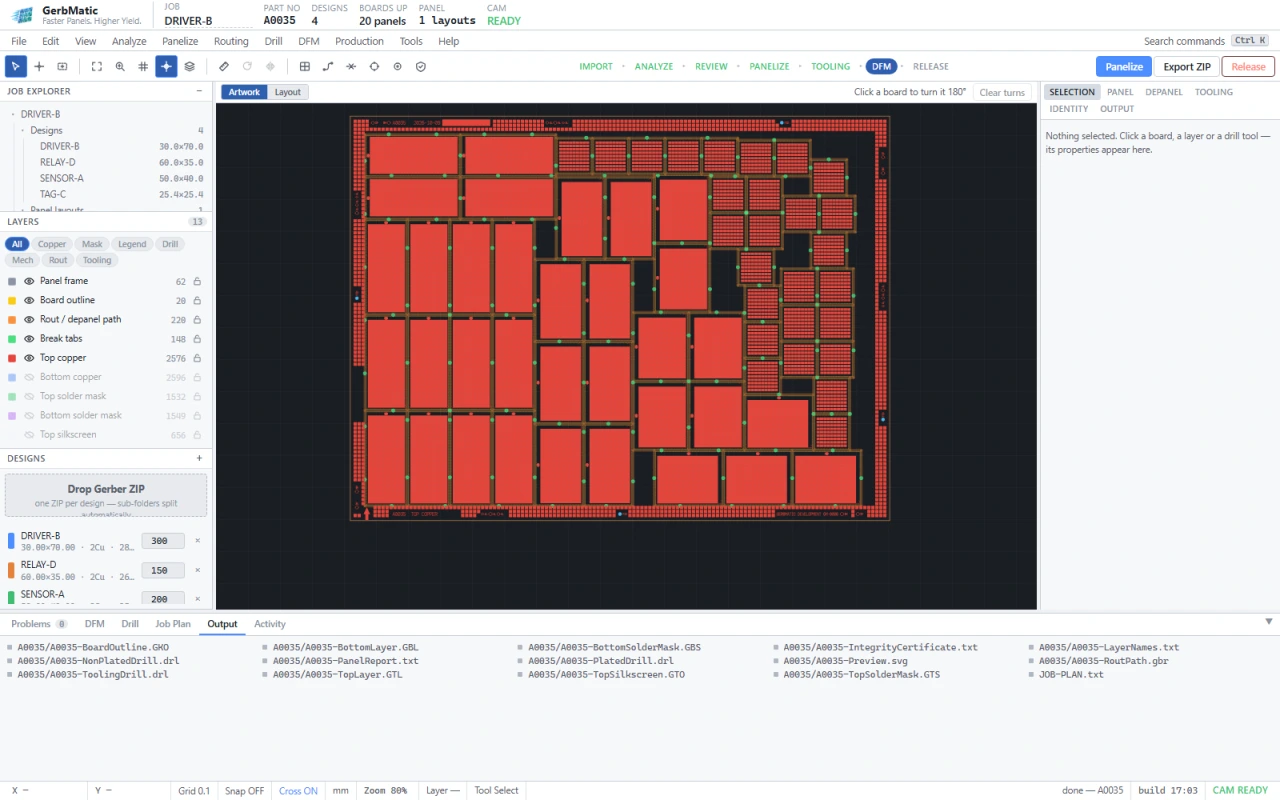
4 Reading one
The certificate names the job, the part number, the designs and the object count, and ends in RESULT: PASS. A failure names the layer, the object and both coordinates. It is a text file - keep it with the job, and send it with the panel if a customer asks.
You have finished Proving the artwork did not change.
Next: Installing and activating - What happens on a CAM station that has no internet, and how to move a licence to a new computer.