
How GerbMatic works
Six steps, from data your CAM engineer has already prepared to a panel ready for production - what happens in each, and who is responsible for it.
1 Prepare the manufacturing data
Your CAM engineer inspects and cleans the customer's data in the CAM software you already use - CAM350, GerbTool, CAMMaster, GC-Prevue or another tool. Layer checks, DFM review and any corrections happen here, exactly as today. (These products are named only as examples; GerbMatic has no partnership or integration with them.)
2 Import the prepared files
Export the cleaned Gerber layers, the board outline and the NC drill files, and drop them - or the zip - into GerbMatic. It reads RS-274X, X2 and Excellon, recognises each layer, and asks you about any file it cannot identify rather than guessing.
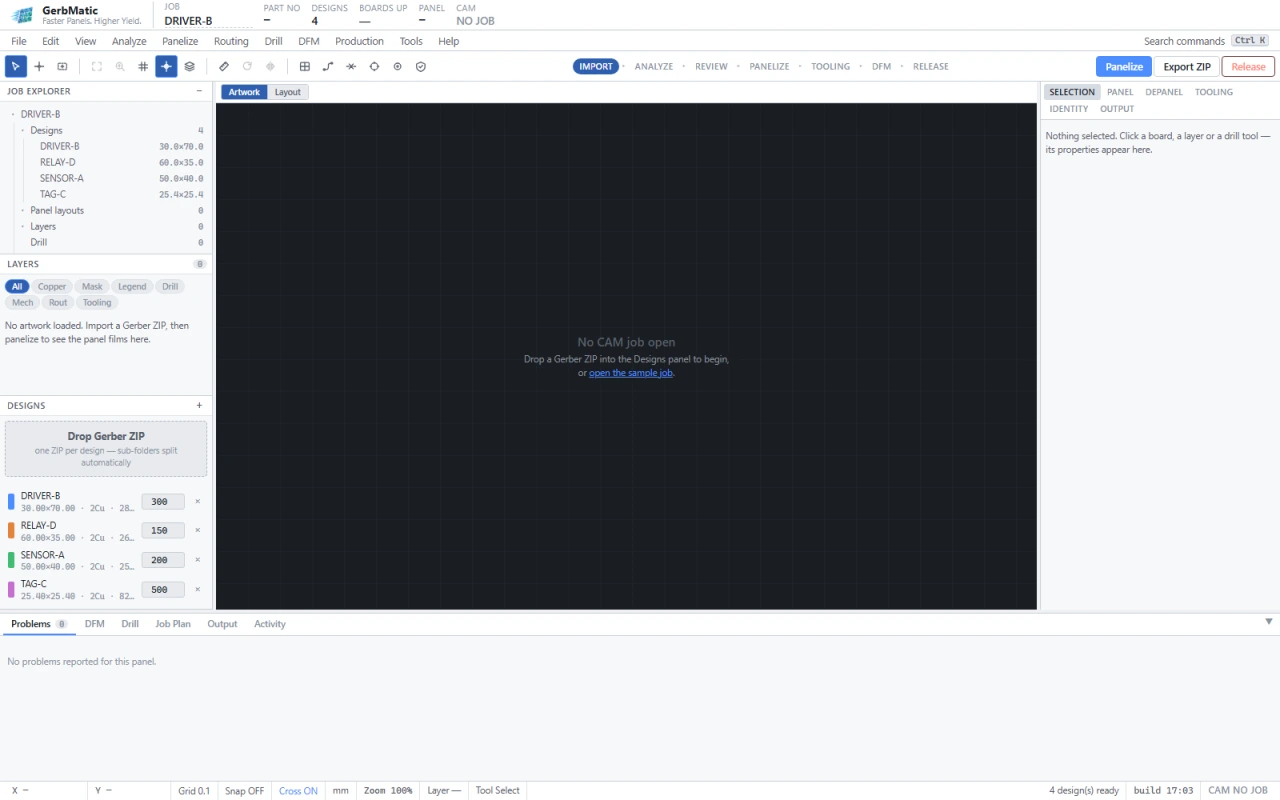
3 Configure the panel
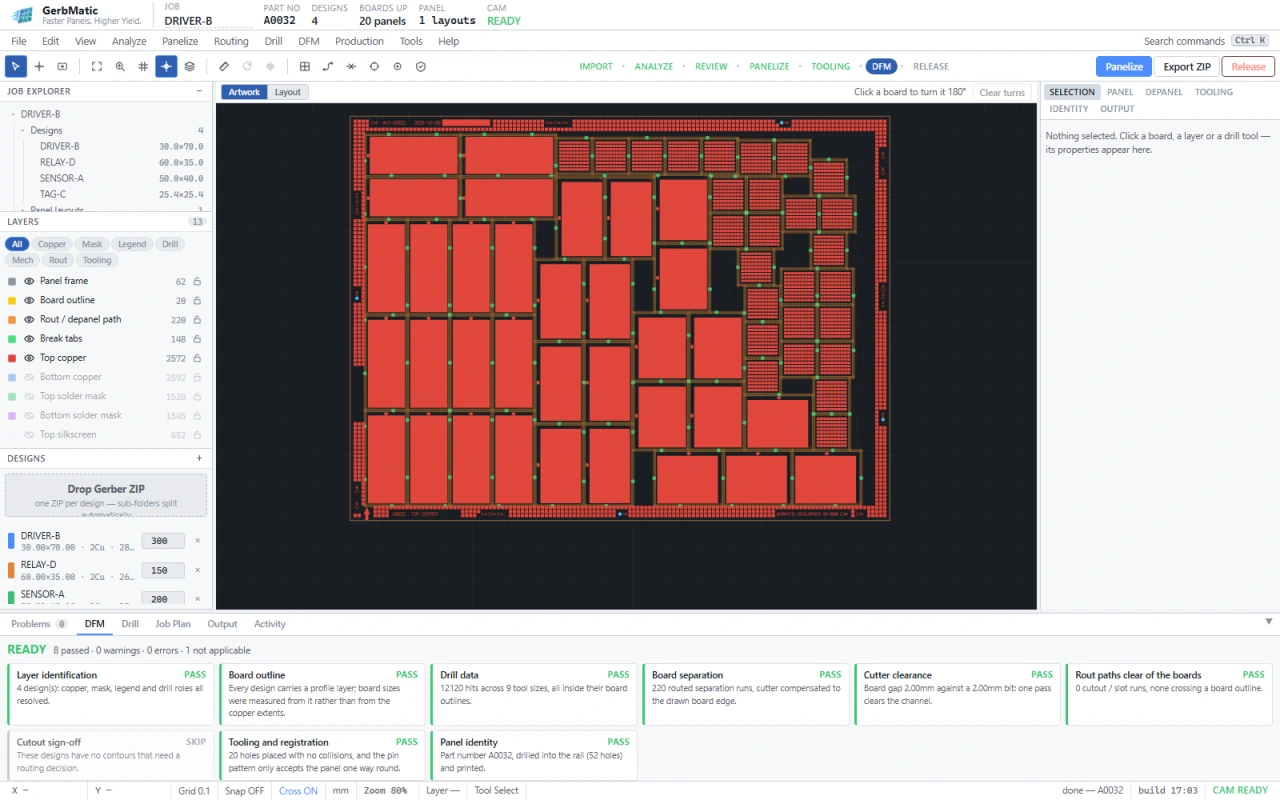
Set the panel dimensions, the array of boards and how they are arranged, the side rails or strips and the spacing between boards. GerbMatic shows the panel as it will be made while you change it.
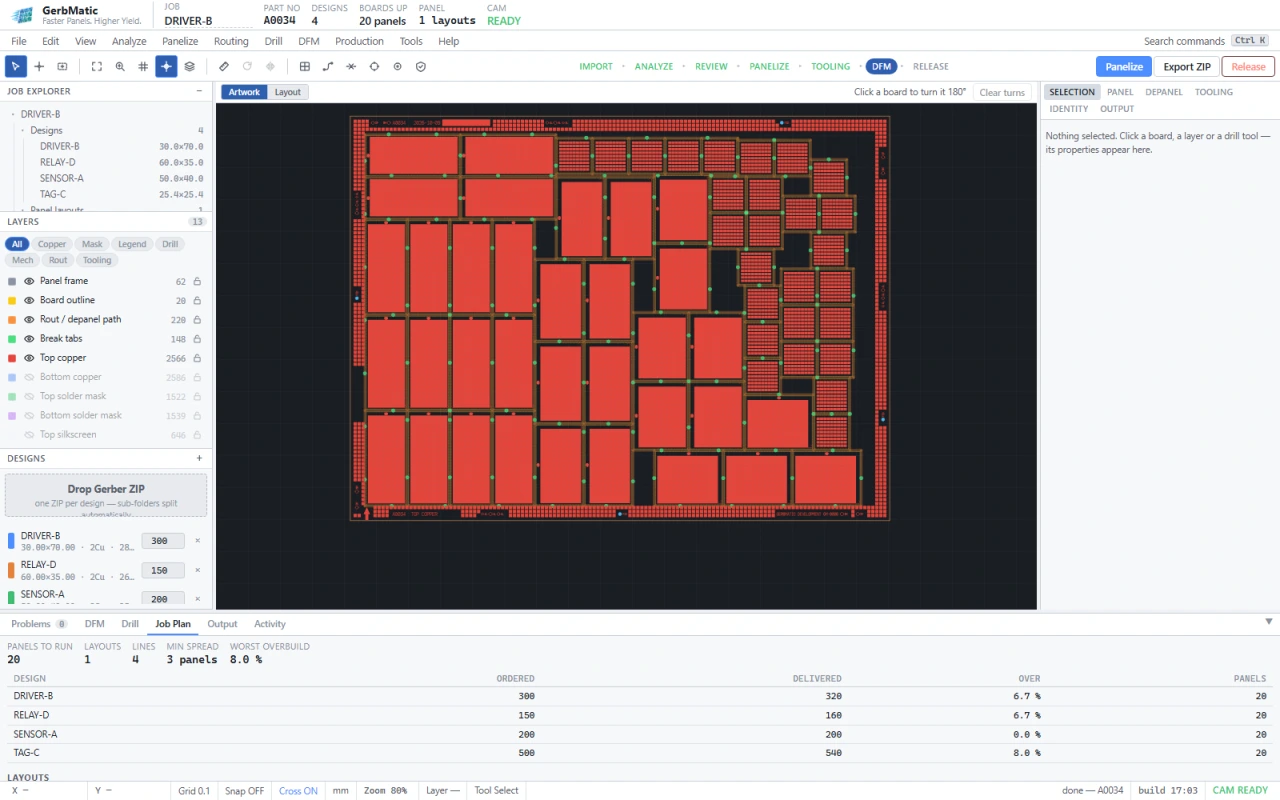
4 Generate the panel
GerbMatic steps the board out on every layer and drill file and adds what the panel needs on the rails: tooling holes, fiducials and registration targets, and V-score lines or a routed outline with breakaway tabs, depending on the panel you chose.
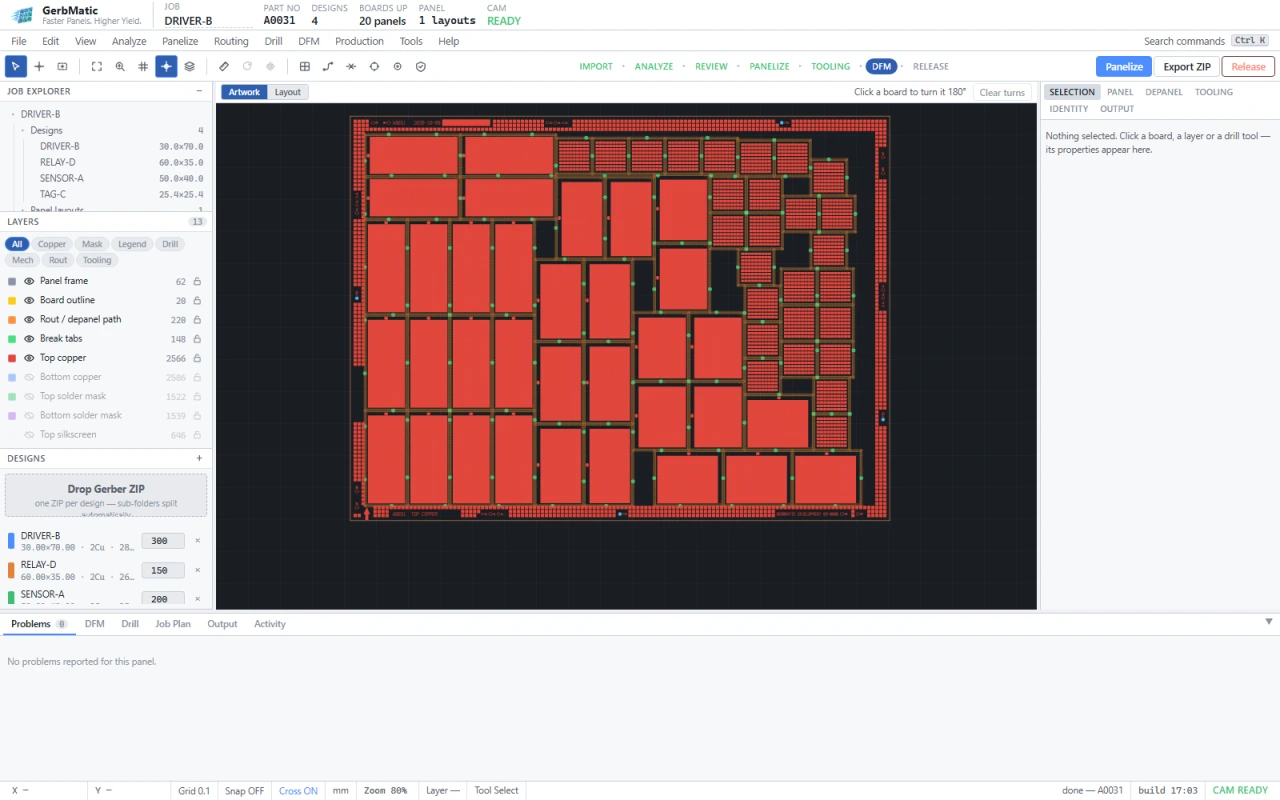
5 Export the output files
RS-274X films, Excellon drill, rout and score files, a panel drawing and an integrity report, in one folder named the way your plotter and driller expect.
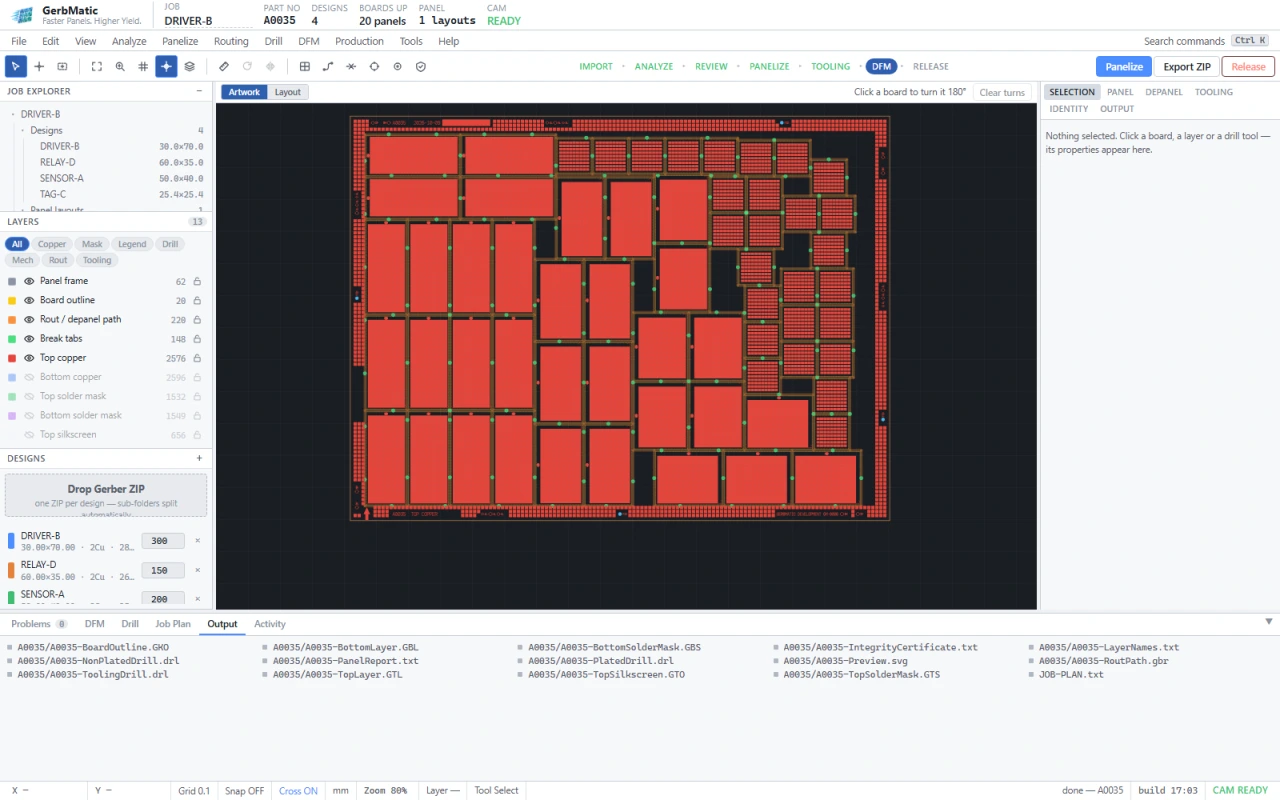
6 Verify before release
GerbMatic compares the output with the original files and runs its manufacturing checks - but CAM validation stays your engineer's responsibility. Review the panel and the report before it goes to the floor, as you would any panel.
What GerbMatic does not do
- It does not repair or clean design data - that stays in your CAM tool.
- It does not replace a full CAM system or your engineer's sign-off.
- It runs on Windows 10 and 11, 64-bit.
Walk through these six steps on your own job.
The trial panelizes and checks real jobs; a licence adds the export.
Try GerbMatic freeRequest a product demo